In this post, I’m going to be talking about different types of file formats and storage and retrieval.
Storage and Retrieval

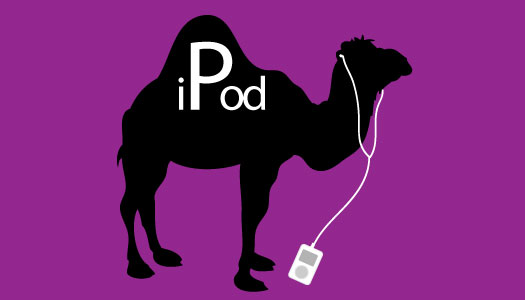
in this digital age that we are all living in, its vital to have an organised storage system so you can retrieve important documents efficiently, rather like a library if a book isn’t placed or catalogued correctly then it will take you a long time to find the book again also if your part of a project or team of people and the files are being shared then its even more important to make sure you name files correctly for easier retrieval, so here are a few hints and tips to help you turn your computer into an organized filing system. so its best practice to have a good FNC (file naming convention in place) in place you don’t want everything to be called “Untitled 001” and nothing will be found a file name, for example, could be project_date_name_V001 or one that I prefer to use is ProjectDateNameV001 (the 001 would increase with very file saved) this way is called the Camel case see image below. It is also crucial that you name your folders accordingly otherwise your desktop will be filled with files and if there are too many it will slow your computer down. if your file names become too long then simply abbreviate for example ProjDteNmV001, and for the date always put the year first so its easier to find when searching for files.
File formats
Next, I’m going to go through some different file formats with a brief explanation on each.
PDF.
Portable Document Format (PDF) is an embedded file that can have text and images. The keyword here is document as its like a digital version of a paper document with the bonus of being able to add hyperlinks so anyone viewing it can quickly see more information with a click and its easily sharable with clients via email or on sharing sites like wetransfer
JPG
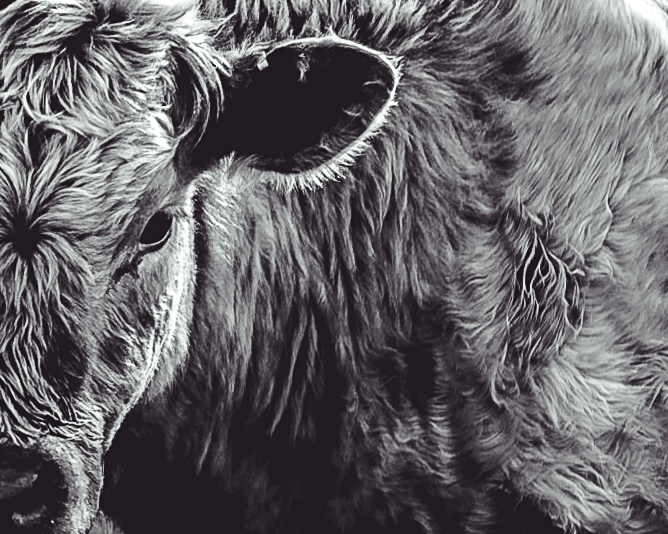
Joint Photographic Group (JPG) is a photo file and is mainly used for photography. the keyword here is photographic. This file can be saved as both a large or small file depending on the need for example if you wanted to display your work on a website you wouldn’t want it too big as it could be vulnerable to copyright theft and not too small so as a user can’t see it. this file type is also great for sharing. see below of an example JPG.
PNG
Portable Network Graphic (PNG) the keyword here is graphic, and is also perfect for icons or logos (see below). It also allows transparency so no solid background which is excellent for websites to show social media icons and a company logo making it look more polished.

GIF
Graphic Interchange Format (GIF) is suitable for sharp-edged line art (such as logos) with a limited number of colours. they have also become increasingly popular on social media as they can also be used for small animations or a low-resolution video clip. see below an example of a recent GIF I used to promote a project I worked on.



Leave a Reply